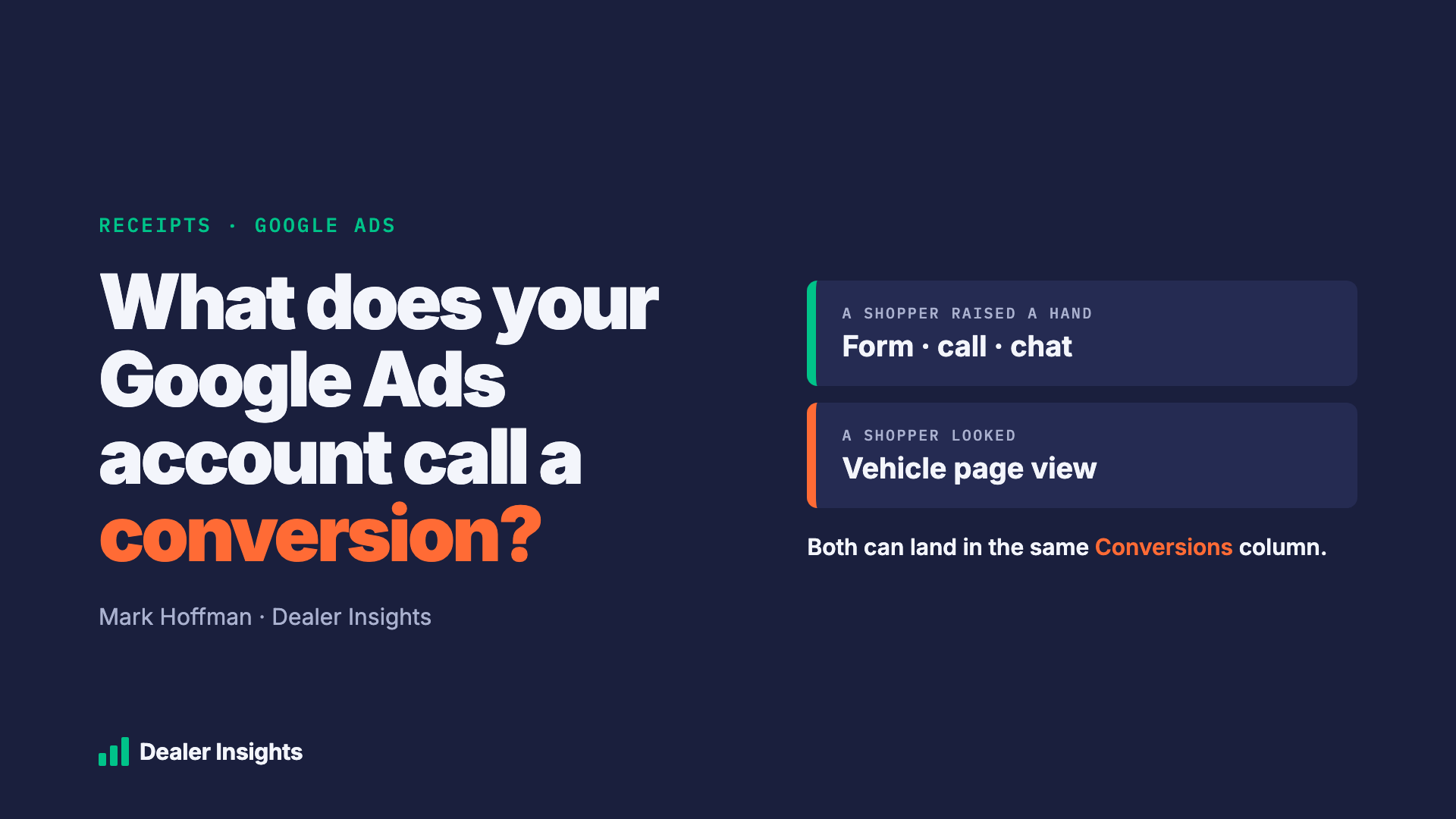
Every month, your agency shows you a number called conversions. It usually goes up. Cost per conversion usually goes down. It's the number that tells you the ads are working.
So it matters a lot what Google Ads is actually counting.
A conversion is supposed to be a shopper raising a hand: filling out a form, calling, starting a chat. But inside a Google Ads account, a conversion is whatever someone set it up to be. That can include a shopper simply looking at a vehicle's page on your website.
Looking is good. It's just not the same thing as a lead conversion, and it shouldn't be scored like one.
What we found
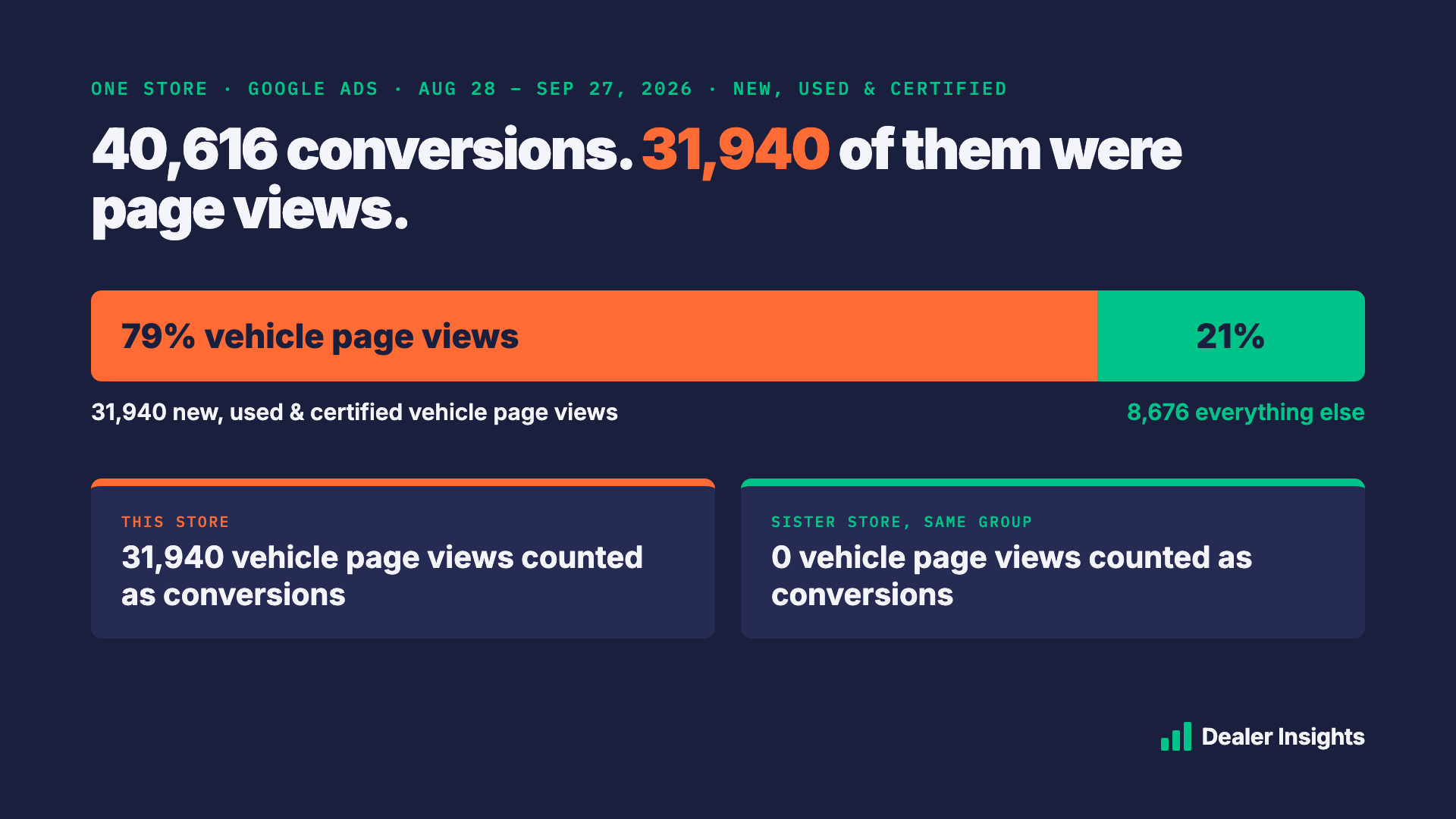
We looked at the conversion setup of one store's Google Ads account for the last 30 days, Aug 28 to Sep 27, 2026.
The account recorded 40,616 conversions. 31,940 of them, 79%, were vehicle page views: three separate goals for new, used, and certified vehicle pages, each set up to count in the same Conversions column as calls and form fills.
Those page-view goals are also set to count every time. One shopper who clicks an ad and browses five trucks can add five conversions to the report.
Then we looked at a sister store in the same dealer group. Same kind of store, similar ad budget. It counts zero vehicle page views as conversions. Its Conversions column is built from calls, forms, chats, and a few of Google's own store-visit and directions numbers.
Put those two reports side by side and the first store looks like it's crushing it. It isn't a fair fight. The two accounts aren't keeping score the same way.
Why this matters to you
Conversions and cost per conversion are the scoreboard for your whole Google Ads budget. When most of the "conversions" are page views:
- Cost per conversion looks tiny. Divide spend by 40,616 instead of by the calls and forms, and any campaign looks cheap.
- Comparing stores stops working. A group can't line up two rooftops' reports if one counts browsing and the other doesn't.
- Month-over-month gains can be browsing, not buying signals. More page views can push conversions up even if calls and forms stayed flat.
None of this means anyone did something wrong. Page-view goals are a real option in Google Ads, and there are reasons to track them. The problem is when they sit in the same column as the calls and forms, and that column is what you're shown.
What this doesn't tell you
The conversion settings tell you what shows up in the report. They don't tell you what each campaign is bidding toward. That's a separate setting on every campaign, and it's the right first question to ask, not something to assume.
How to check yours in five minutes
If you have access to your Google Ads account:
- Go to Goals, then Conversions, then Summary.
- Look at every action marked as a Primary action. Those are the ones that count in the Conversions column.
- Look for anything in the Page view category, or anything named after a page, like "VDP," "New VDP," "Used VDP," or "Homepage."
If you don't have access, that's worth a conversation on its own.
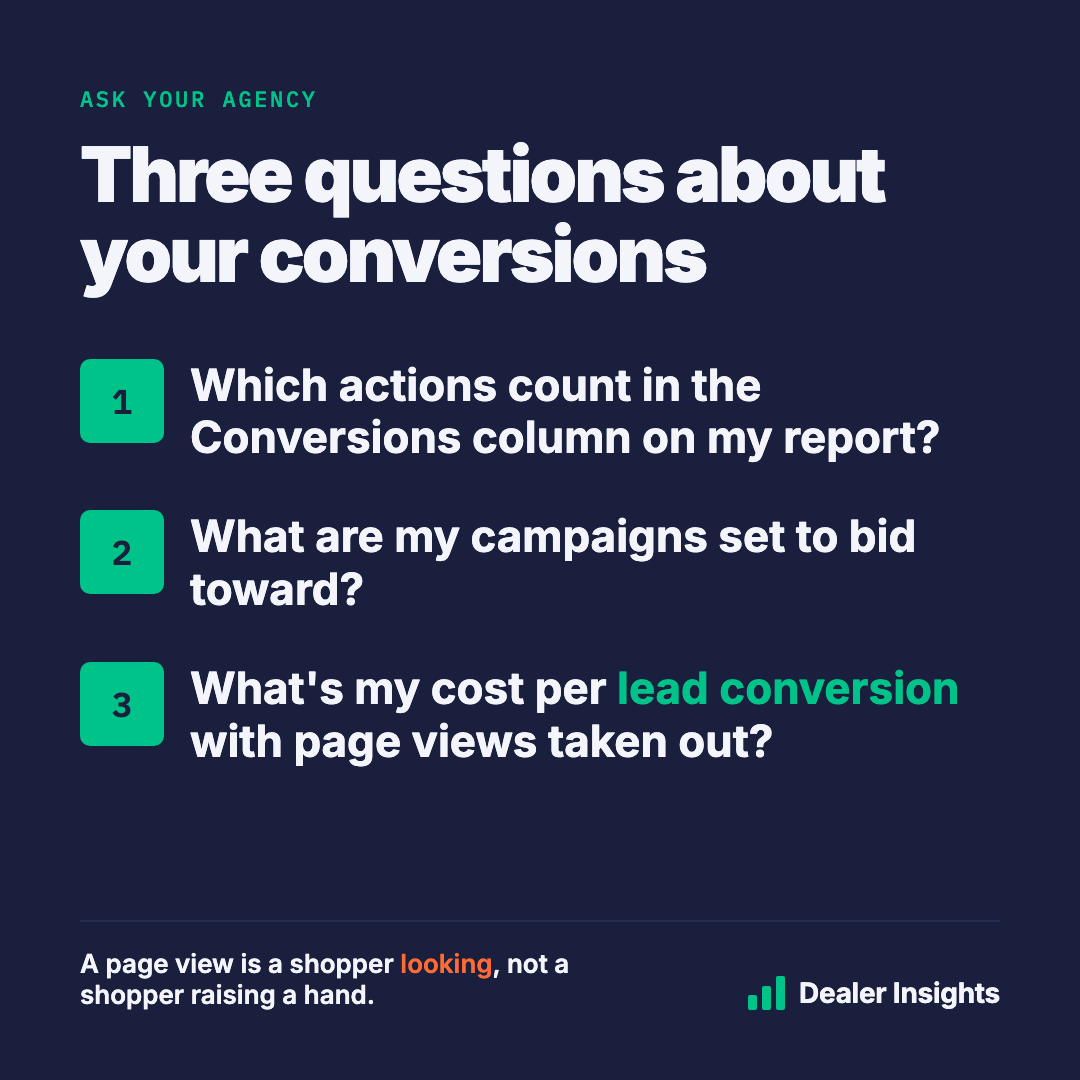
Three questions to ask your agency
- Which actions count in the Conversions column on my report? Ask for the list, not a summary.
- What are my campaigns set to bid toward? You want to hear calls, forms, and chats.
- What's my cost per lead conversion with page views taken out? That's the number to track month to month.
A good agency will have these answers ready, and most will be glad you asked.
The scoreboard should count what you care about
You don't sell cars to people who look at a page. You sell them to people who reach out. Your report should make it easy to tell the difference.
That's the work we do at Dealer Insights: we don't run your ads, and we don't want your ad budget. We read what your accounts are really counting, line it up against what your website saw, and tell you in plain English.
Want to know what your Google Ads account calls a conversion? Request a free audit and we'll walk you through it.